The 99.8% Stat: Why Connecting Your Bank Account Gets You Funded Faster
Plaid's published customer story shows a 99.8% approval rate for applicants who connected their bank account, versus 78% for manual applications. Here's why the connection path wins — and how it stays safe.
Need funding fast? Apply in about 2 minutes — get a decision within hours, with no hard credit pull for pre-approval.
Apply Now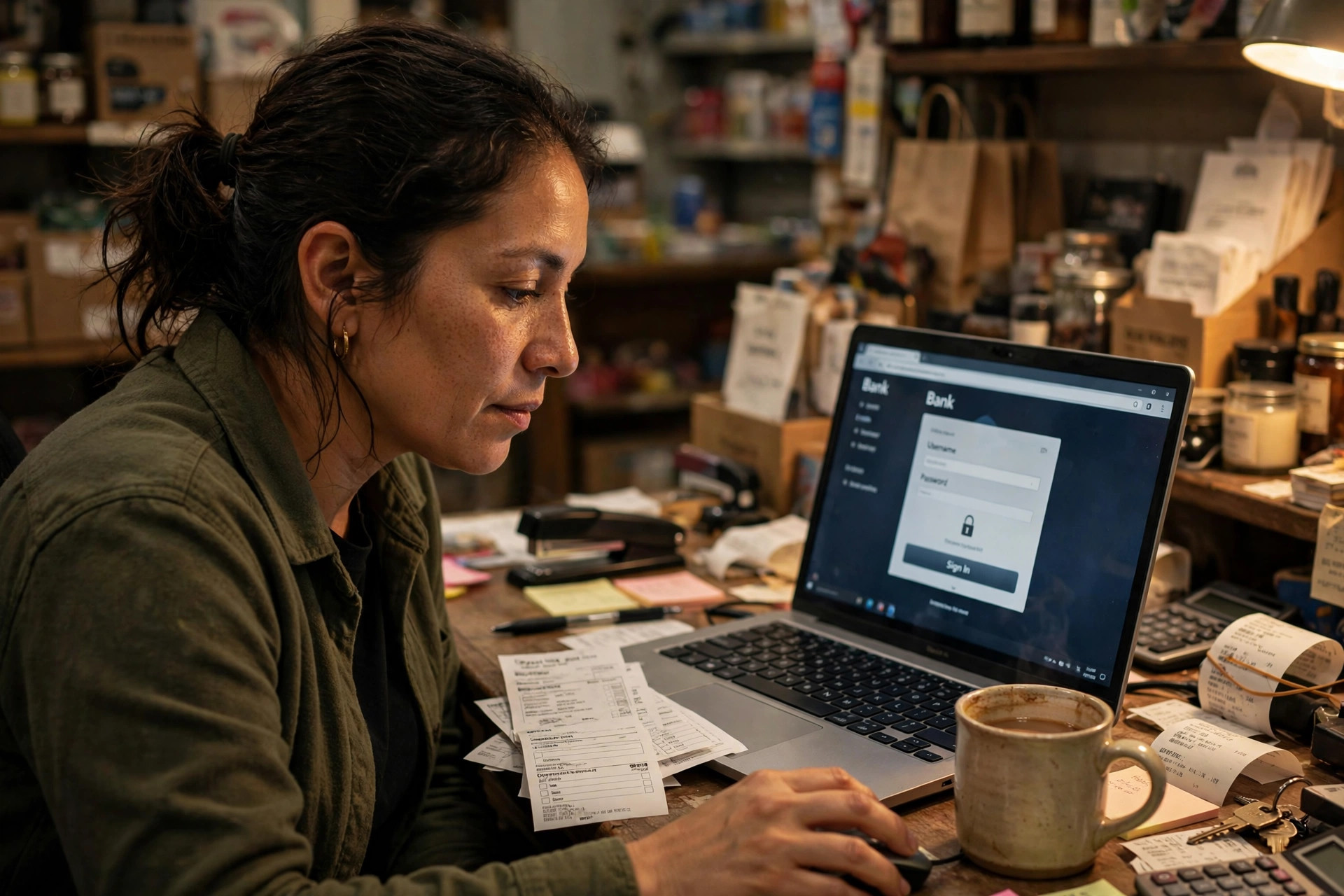
Key Takeaways
- The stat is real, and it's lopsided. Plaid's published customer story with Purpose Financial reports a 99.8% approval rate for applicants who connected their bank account, versus 78% for those who applied manually. Same business, same finances — the difference was how the lender received the data.
- Connected data is fresher, fuller, and more trustworthy. No missing pages, no stale PDFs, no parsing mistakes — and the file proves it's authentic instead of asking you to prove it.
- It's read-only and reversible. Bank connections use secure tokenized logins; the lender sees your transactions, not your password, can't move a dollar, and you can revoke access anytime.
- Connect once, shop everywhere. With a broker, one connection builds the file that gets compared across dozens of funders — instead of you uploading statements separately for every application.
What's in this guide
- The 99.8% vs. 78% stat, and what it actually means
- Why connecting beats uploading: four reasons
- How connecting actually works (the 90-second version)
- Is it safe? The five security questions, answered
- The broker edge: connect once, get shopped across dozens of funders
- When uploading statements still makes sense
- Frequently asked questions
The 99.8% vs. 78% stat, and what it actually means
In Plaid's published customer story on Purpose Financial, a lender reported that applicants who connected their bank account through Plaid were approved 99.8% of the time — compared with 78% for applicants who submitted their application manually. When offered the choice, 38% of applicants picked the instant connection.
A few honest caveats before the number does its work. This is one lender's published result, not a law of the industry. And the comparison isn't perfectly clean: borrowers who connect instantly are probably also the borrowers with everything in order. Correlation does some of the heavy lifting here.
But even with the caveats, the gap is too big to dismiss — and it points at a real mechanism, not a coincidence. Funders approve files they can verify quickly and trust completely. Connected data is verifiable and trustworthy by construction. Manual uploads have to earn that trust, one page at a time.
Why connecting beats uploading: four reasons
1. It's always current. A downloaded PDF is a snapshot that's already stale the day you send it. A connection delivers live transaction data — yesterday's deposits are yesterday's, not last month's. For revenue-based funding, where underwriters live in your last 90 days of deposits, freshness is everything.
2. It's always complete. The single most common reason a file stalls is a missing page or month. Our guide on what happens after you upload your statements shows exactly where that stall happens: someone notices page 4 is missing and the file goes back to the queue. A connection can't drop a page.
3. The data arrives structured, not scanned. Uploaded PDFs get parsed — sometimes well, sometimes not. Connected data arrives as clean, categorized transactions: deposits, payroll, card processing, transfers. No misread numbers, no guesswork, no "is that a 7 or a 1" delays.
4. Authenticity is built in. With the industry now running AI decisioning on verified data — OnDeck is pushing toward sub-minute, stipulation-free approvals — a connected file is already trusted. An uploaded packet still has to prove it's genuine; a connection proves it by existing. As automated screening spreads, that trust gap only widens.
How connecting actually works (the 90-second version)
You don't hand anyone your bank password. The standard flow, usually through a connector like Plaid:
1. You pick your bank from a list. 2. You log in on your bank's own site or app — the lender never sees the login screen. 3. Your bank issues a secure token granting read-only access to account and transaction data. 4. That's it: the lender sees transactions, balances, and account details — never your credentials.
The whole thing takes about ninety seconds, and the data lands in the underwriting system immediately. Lendio has already made bank-connect the default path on its application, with manual upload sitting behind a link — that ordering tells you where the industry is going. Fundbox went further: its Direct Draw product, launched this August, underwrites a revolving line of up to $100K purely from connected bank transactions — no personal credit check, no accounting data required.
Is it safe? The five security questions, answered
This is the objection worth taking seriously. Here's the straight version:
Can they move my money? No. The connection is read-only — it can see transactions and balances, not initiate transfers. Nobody is being asked to grant write access.
Does the lender see my password? No. You log in on your bank's own page; the lender receives a token, not your credentials.
What data do they actually see? Account identifiers, balances, and transaction history — the same financial picture your statements show. Just live, and complete. We break down exactly what lenders look for in that picture in our statement-reading guide.
Can I take it back? Yes. You can revoke the connection from your bank's dashboard or from the lender's side at any time.
What if my bank is small or regional? The connectors support thousands of institutions. If yours isn't on the list, you fall back to the upload path — see below.
The broker edge: connect once, get shopped across dozens of funders
Here's the part a single lender won't tell you: every lender you apply to directly wants its own statement packet. Apply to five funders and you're uploading, formatting, and re-explaining five times — and each one only evaluates you against its own products.
A broker inverts that. You connect once (or upload once), and that one clean, current file gets compared across dozens of funders by someone whose job is finding the best terms — not selling one company's product. The 99.8% stat is about approval odds; the broker version adds pricing odds: one file, real competition, the best offer wins. And because more funders are screening connected data first, a single trusted file travels better than five different uploads ever could. That's the whole business model at Coast to Coast, and it's exactly why the connection path and the broker path pair so well.
When uploading statements still makes sense
Connecting isn't mandatory, and it isn't always possible. Keep the upload path when:
Your bank isn't supported. Some regional banks, credit unions, and business accounts don't connect. That's normal — the upload path exists for exactly this.
You have multiple accounts across banks. Connecting every account can be fiddly; sometimes one clean upload of all of them is simpler.
You prefer it. If connecting makes you uneasy, download the real PDF from your bank, send every page, and you'll get funded the traditional way — just follow the clean-file rules first.
The rule of thumb: connect when you can, upload clean when you can't. Both beat a stalled file.
Frequently asked questions
Does connecting my bank account affect my credit score?
No — bank connections are account data, not credit inquiries. The connection itself has zero effect on your score.
Will the lender see transactions I don't want them to see?
They see what your statements would have shown anyway. If there's something on your accounts that worries you, talk to us before you apply — we covered the most common file-killers in the denial guide.
How long does the connection stay active?
Usually until the funding process completes, or until you revoke it. It doesn't grant permanent access, and revoking is always an option.
Does connecting guarantee approval?
No — nothing does. The 99.8% figure is one lender's published result, not a promise. What connecting does is remove the friction and verification delays that kill otherwise fundable files.
Can I connect more than one business account?
Yes — most flows let you add multiple accounts, which we recommend, since funders want the complete picture.
What if I'm not comfortable connecting?
Upload your statements the traditional way. Our application gives you both paths, and the typical approval timeline applies either way.
Ready to Get Funded?
Apply now and get a funding decision within hours. No hard credit pull for pre-approval — see your options risk-free.